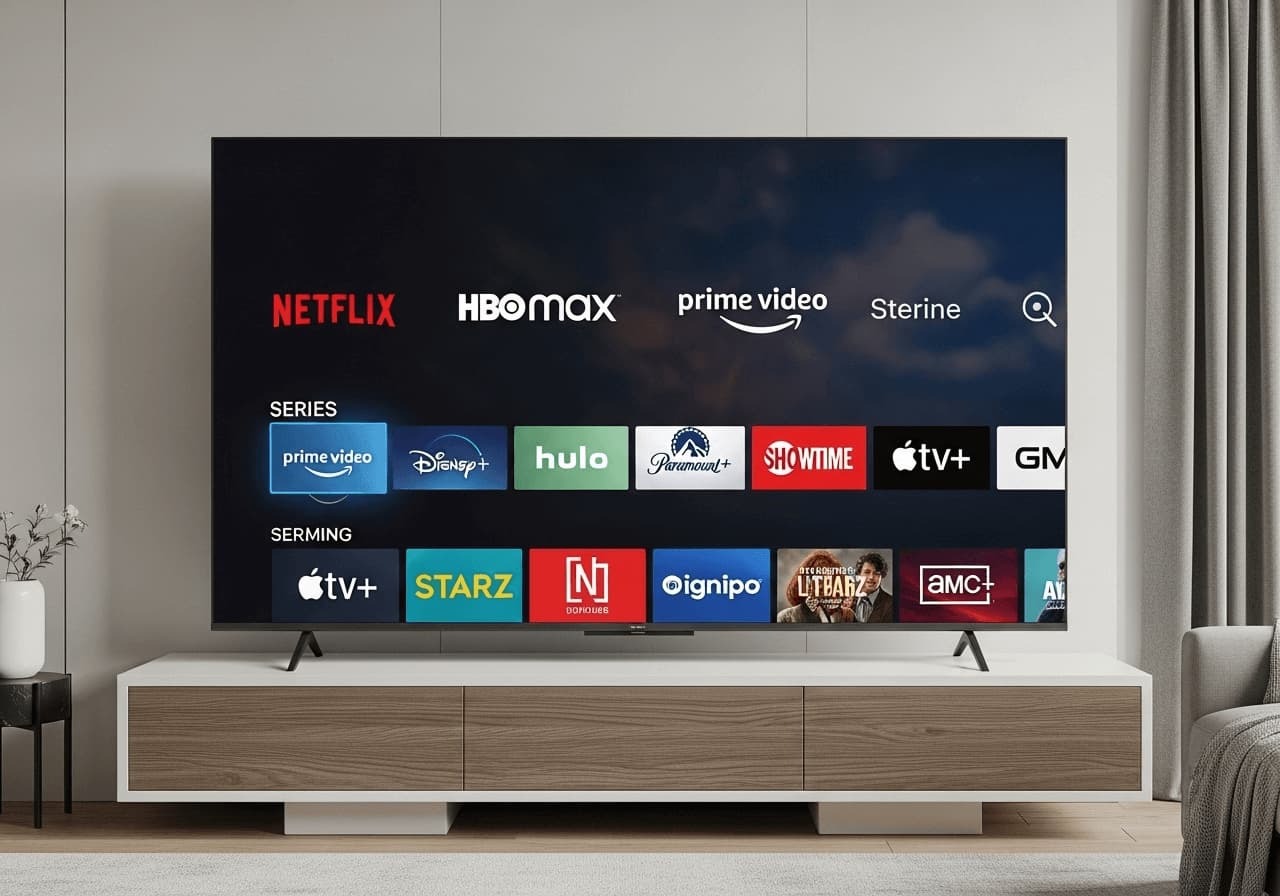
Understanding 4K Streaming Quality
Everything you need to know about 4K/UHD streaming and how to optimize your setup for the best quality with Strong 4K IPTV.
4K streaming represents the pinnacle of home entertainment quality. This guide explains what 4K is, why it matters, and how to get the best 4K streaming experience with Strong 4K IPTV.
What is 4K? {#what-is-4k}
4K, also known as Ultra High Definition (UHD), refers to a display resolution of approximately 4,000 pixels horizontally. The standard 4K resolution is 3840 x 2160 pixels, which is four times the resolution of Full HD (1920 x 1080).
Resolution Comparison {#resolution-comparison}
| Format | Resolution | Pixels |
|---|---|---|
| HD (720p) | 1280 x 720 | 921,600 |
| Full HD (1080p) | 1920 x 1080 | 2,073,600 |
| 4K UHD | 3840 x 2160 | 8,294,400 |
| 8K UHD | 7680 x 4320 | 33,177,600 |
Benefits of 4K Streaming {#benefits-of-4k-streaming}
1. Superior Image Quality {#1-superior-image-quality}
4K provides incredibly sharp, detailed images that make you feel like you're part of the action. Every detail is crisp and clear, from facial expressions to background elements.
2. Better Color Accuracy {#2-better-color-accuracy}
4K content often includes High Dynamic Range (HDR), which provides:
- Wider color gamut
- Better contrast ratios
- More realistic colors
- Deeper blacks and brighter whites
3. Enhanced Viewing Experience {#3-enhanced-viewing-experience}
With 4K, you can:
- Sit closer to larger screens without seeing pixels
- Enjoy more immersive viewing
- Experience content as creators intended
- Future-proof your entertainment setup
Requirements for 4K Streaming {#requirements-for-4k-streaming}
Internet Connection {#internet-connection}
Minimum Speed: 25 Mbps for stable 4K streaming
Recommended Speed: 50 Mbps or higher for optimal performance
Why It Matters: 4K content requires significantly more bandwidth than HD. A slow connection will result in buffering and reduced quality.
Device Compatibility {#device-compatibility}
Your streaming device must support 4K:
- Smart TVs: Most 4K Smart TVs from 2016 onwards
- Streaming Devices: Firestick 4K, Apple TV 4K, Chromecast Ultra
- Computers: Modern graphics cards with 4K output
- Mobile Devices: High-end smartphones and tablets
Display Requirements {#display-requirements}
To see 4K quality, you need:
- A 4K-capable display (TV, monitor, or projector)
- HDMI 2.0 or higher cable for external devices
- Proper display settings configured
Optimizing Your 4K Setup {#optimizing-your-4k-setup}
Network Configuration {#network-configuration}
Wired Connection (Best)
- Use Ethernet cable when possible
- Provides stable, consistent speeds
- Reduces latency and buffering
- Ideal for 4K streaming
Wireless Connection
If using Wi-Fi:
- Use 5GHz band instead of 2.4GHz
- Position router close to streaming device
- Use Wi-Fi 6 (802.11ax) if available
- Minimize interference from other devices
Device Settings {#device-settings}
TV Settings
- HDMI Settings: Enable "HDMI UHD Color" or "Enhanced Format"
- Picture Mode: Use "Movie" or "Cinema" for accurate colors
- HDR: Enable if your TV supports it
- Motion Settings: Disable motion smoothing for better compatibility
Streaming Device Settings
- Resolution: Set to 4K (3840 x 2160)
- HDR: Enable if supported
- Color Space: Use "Auto" or "RGB" for best results
- Frame Rate: Match content frame rate (usually 24p, 30p, or 60p)
App Configuration {#app-configuration}
Within your IPTV player:
- Video Quality: Set to "Auto" or "Best Available"
- Buffer Size: Increase for smoother playback
- Hardware Acceleration: Enable if available
- Codec: Use hardware-accelerated codecs when possible
Understanding HDR {#understanding-hdr}
High Dynamic Range (HDR) enhances 4K content by providing:
HDR Formats {#hdr-formats}
- HDR10: Most common, supported by most 4K TVs
- HDR10+: Enhanced version with dynamic metadata
- Dolby Vision: Premium HDR format with superior quality
- HLG: Hybrid Log-Gamma, used for broadcast content
Benefits of HDR {#benefits-of-hdr}
- Brighter highlights
- Deeper shadows
- More vibrant colors
- Better contrast
- More realistic images
Common Issues and Solutions {#common-issues-and-solutions}
Buffering During 4K Playback {#buffering-during-4k-playback}
Causes:
- Insufficient internet speed
- Network congestion
- Device limitations
- Server-side issues
Solutions:
- Check your internet speed (use speedtest.net)
- Close other bandwidth-intensive applications
- Use wired connection instead of Wi-Fi
- Reduce video quality temporarily
- Restart your router
Picture Quality Not 4K {#picture-quality-not-4k}
Check These:
- Is your content actually 4K? (Not all content is available in 4K)
- Are your display settings correct?
- Is your HDMI cable 4K-capable?
- Are you using the correct input on your TV?
- Is your device set to output 4K?
Color Issues {#color-issues}
If colors look wrong:
- Enable HDR in TV settings
- Check HDMI cable quality
- Verify color space settings
- Update TV firmware
- Reset picture settings to defaults
Bandwidth Management {#bandwidth-management}
Understanding Data Usage {#understanding-data-usage}
4K streaming uses significant data:
- 1 hour of 4K: Approximately 7-10 GB
- 1 hour of HD: Approximately 2-3 GB
- 1 hour of SD: Approximately 0.5-1 GB
Tips for Data Management {#tips-for-data-management}
- Monitor your data usage
- Use Wi-Fi when possible (unlimited home internet)
- Adjust quality based on connection type
- Download content for offline viewing when available
Future of 4K Streaming {#future-of-4k-streaming}
Current Trends {#current-trends}
- More content available in 4K daily
- Improved compression technologies
- Better streaming infrastructure
- Lower bandwidth requirements
What's Next {#what-s-next}
- 8K streaming (already available in some regions)
- Better HDR formats
- Improved codecs (AV1, VVC)
- Lower latency streaming
Best Practices {#best-practices}
Regular Maintenance {#regular-maintenance}
- Update Firmware: Keep devices updated
- Clear Cache: Regularly clear app cache
- Restart Devices: Weekly restarts improve performance
- Check Connections: Ensure cables are secure
Quality Monitoring {#quality-monitoring}
- Monitor your internet speed regularly
- Test different content to verify quality
- Adjust settings based on performance
- Contact support if quality issues persist
Conclusion {#conclusion}
4K streaming offers an unparalleled viewing experience that brings content to life like never before. With the right setup and Strong 4K IPTV, you can enjoy thousands of channels, movies, and series in stunning 4K quality.
Remember, 4K quality requires:
- Fast, stable internet connection (25+ Mbps)
- 4K-capable devices and displays
- Proper configuration and settings
- Quality content source (like Strong 4K IPTV)
Ready to experience true 4K quality? Explore our plans and start streaming in Ultra High Definition today!
Strong 4K IPTV Team
Published on January 1, 2024
Expert in IPTV technology and streaming solutions. Dedicated to helping users get the most out of their entertainment experience with Strong 4K IPTV.
Learn more about usReady to Start Streaming?
Experience the best in IPTV streaming with Strong 4K IPTV. Get access to over 42,000 channels, movies, and series in stunning 4K quality.
View Pricing Plans